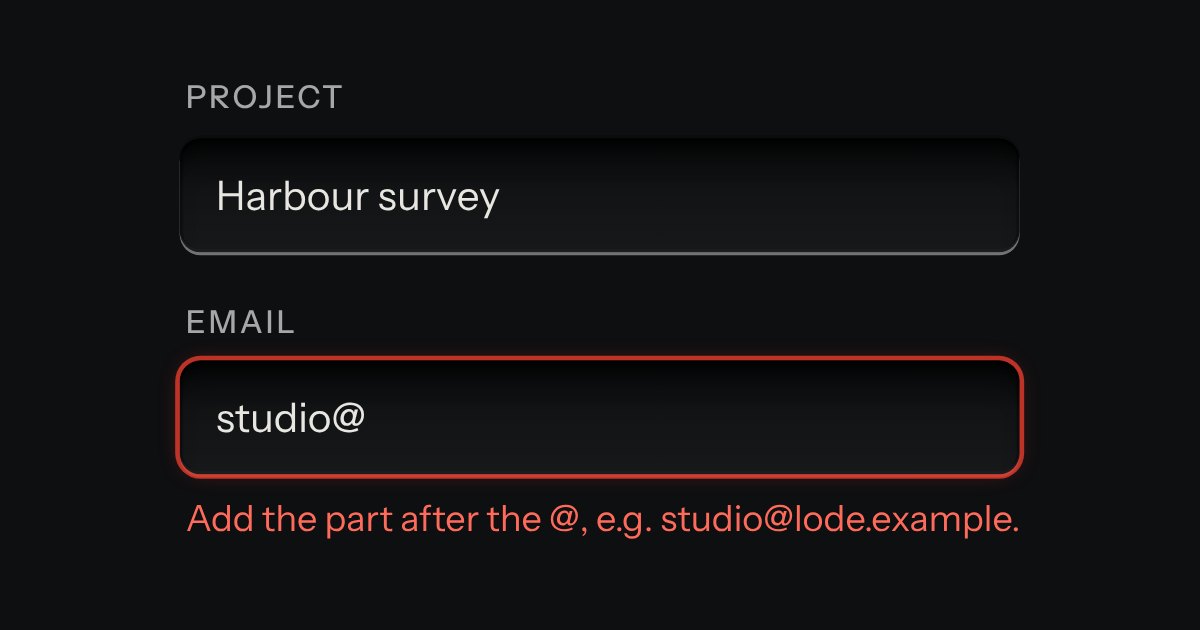
Field
Text entry in a recess, the label printed above it, and a hint that says how to fix an error.
Kit parts
A signature drawn with a mouse, a finger or a stylus on a recessed well, pressure ignored so every device makes the same line. Undo takes back the last stroke, Clear empties the well, or type your name in the field below. The form posts one value: a PNG data URL, or the typed name.
The well is a recessed box from the kit’s own well, inset and corner. A canvas at the device’s pixel ratio holds each stroke as points from 0 to 1 across the well, so a resize redraws the line in place; the line is a run of quadratics through the midpoints, at one width whatever the pointer’s pressure. Undo drops the last stroke and redraws. Clear empties the value at once and lets the ink fade, or removes it at once under reduced motion. The posted image is ink on transparent, made by the canvas’s own toDataURL, so a page can lay it on any surface.
| Name | Kind | Description |
|---|---|---|
| value | property | Reads or sets the posted value. Setting it clears the drawing and puts the string in the field. |
| strokes / drawn | property | |
| clear() / undo() | method | clear() empties the well and the value and fires change. undo() takes back the last stroke and fires change. Both do nothing when the pad is disabled. |
| change | event | Fired when a stroke ends, when a typed name is committed, and on Undo and Clear; kind is draw, type, undo or clear. |
| signaturePoint(x, y, rect) | function | Where a pointer landed inside the well, as 0 to 1 across and down, kept inside the box. |
| signatureCurve(points) / signatureWords(strokes, typed) | function | The quadratics one stroke is drawn with, through its midpoints; and the words the status region reads out. |
Draw in the well with a mouse, a finger or a stylus, or type your name; Undo and Clear sit under it.
Text entry in a recess, the label printed above it, and a hint that says how to fix an error.
A signature pad as a real wax tablet: a walnut frame around a bed of wax, and a steel stylus that lifts out of its tray, follows the pointer and cuts a groove where you sign. A raking lamp lights the far wall of each cut and shades the near one, so the line reads as carved. Clear sweeps a flat steel edge across and smooths the wax; Undo takes back the last stroke. A plate under the tablet, and a polite status region, say whether it holds a signature.
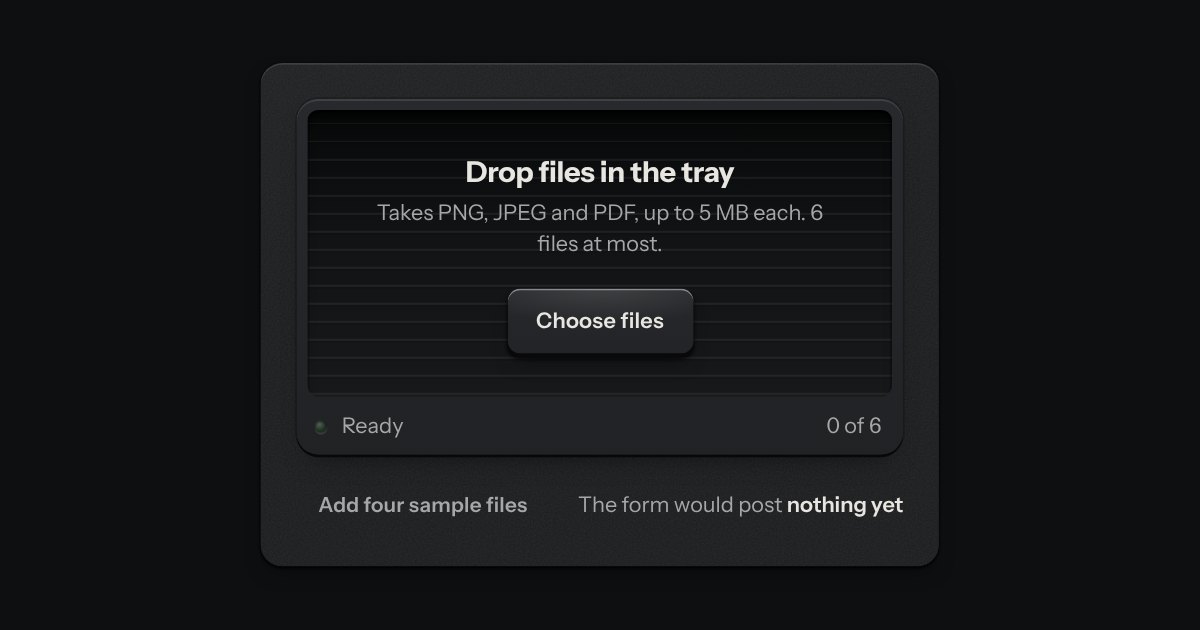
An in-tray for files. A machined lip stands round a ribbed floor; the floor rises a little when a file is dragged over it, and a lamp on the lip lights. What goes in lands in the tray as a sheet of paper and is listed as printed rows, a refusal says why, and the key inside the tray is a real file input.