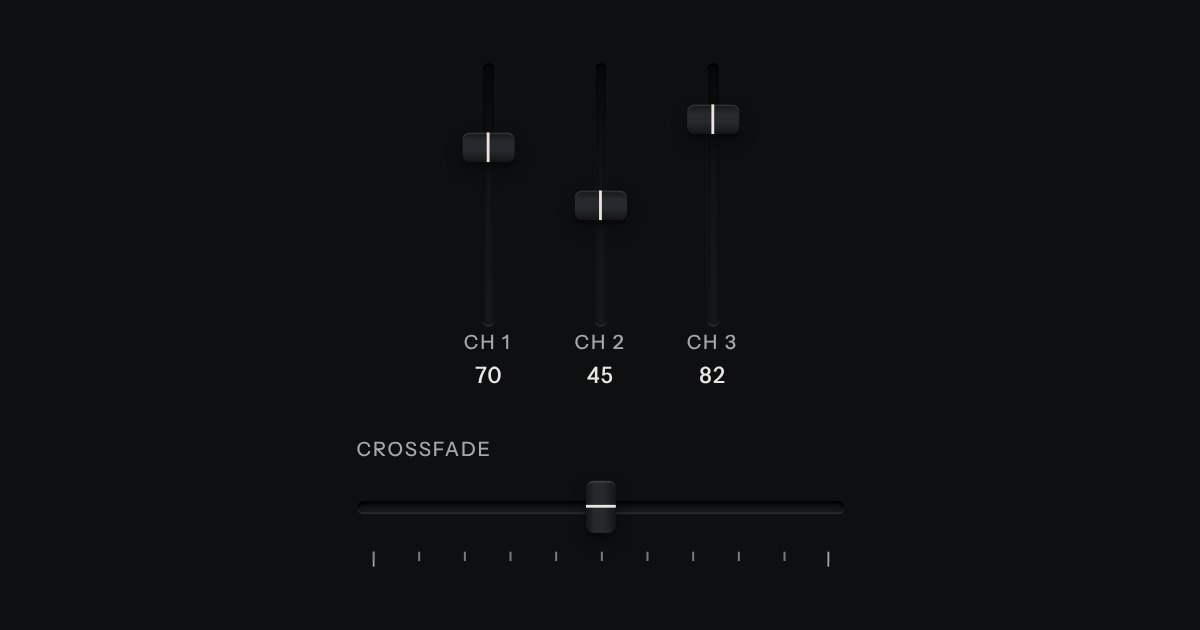
Fader
A continuous value along a line: a native range whose cap rides in a slot cut into the plate, with a printed scale.
Kit parts
Two fader caps in one slot, for a span between a low value and a high one: a price band, quiet hours, a frequency band. The span between the caps is printed on the slot’s floor and both values read on a small LCD. The caps meet but never pass each other. Underneath are two native range inputs, which post with the form and are what shows without the script.
Seats open in 11 days. Want one email that morning?
Pointer capture keeps a drag on its cap when the pointer leaves the slot, and a press on the slot brings whichever cap is nearer. The one touched last sits on top, so two caps that meet can both still be caught.
| Name | Kind | Description |
|---|---|---|
| unit · unit-place | attribute | The unit printed and spoken with each value. |
| labels | attribute | Two comma separated names for the caps, used when a native input has no label span or aria-label of its own. Default “Lowest” and “Highest”. |
| gap | attribute | The least the two values may be apart. The caps stop that far from each other. |
| min · max · step · value | attribute | The scale, read from the first input. Both inputs share it. |
| input · change | event | As ever, on the native input whose cap moved: input while it moves, change when it is let go or a key is pressed. |
| Arrows · Page Up · Page Down · Home · End | keyboard | A step, a tenth of the scale, and as far as the cap can go: the end of the scale, or the other cap. |
| rangeSnap · rangeSet · rangeKey · rangeText · rangeHTML | function | The rules, pure: a value on the scale, a cap that cannot cross, what a key does, a value with its unit, and the built markup. |
Drag either cap, or press the slot to bring the nearer cap there. Tab to a cap and use the arrows for a step, Page Up and Page Down for a tenth, Home and End for as far as it can go. The caps stop at each other.
A continuous value along a line: a native range whose cap rides in a slot cut into the plate, with a printed scale.
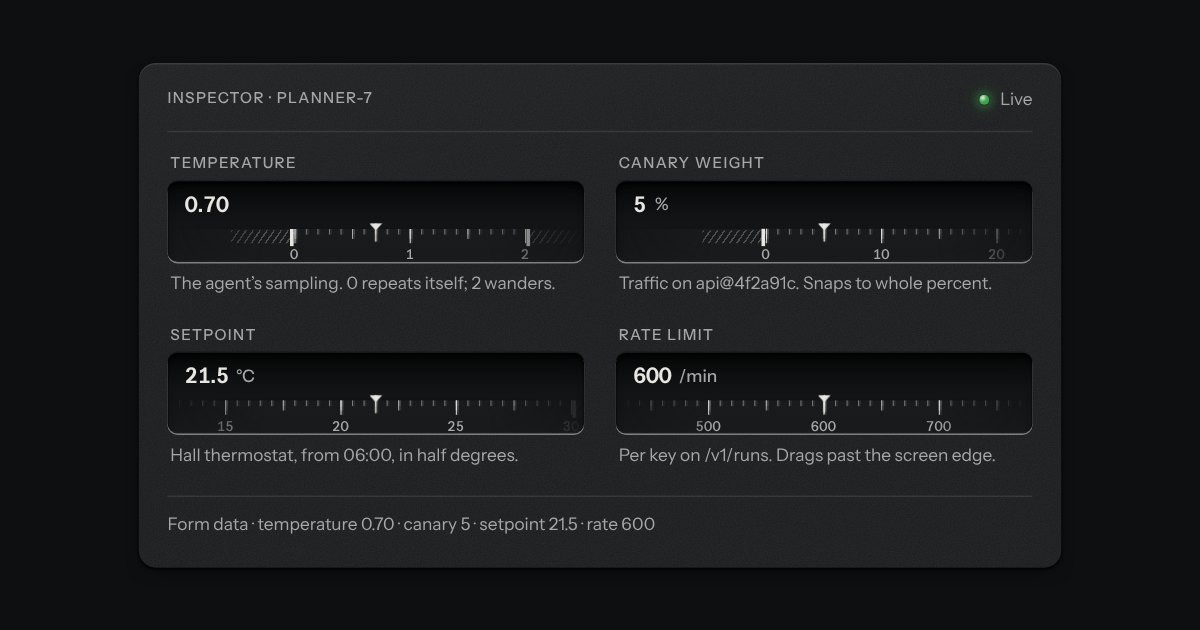
A number you can type or drag, the way a pro tool’s value field works: an engraved ruler under the numerals slides beneath a fixed index as the value moves.
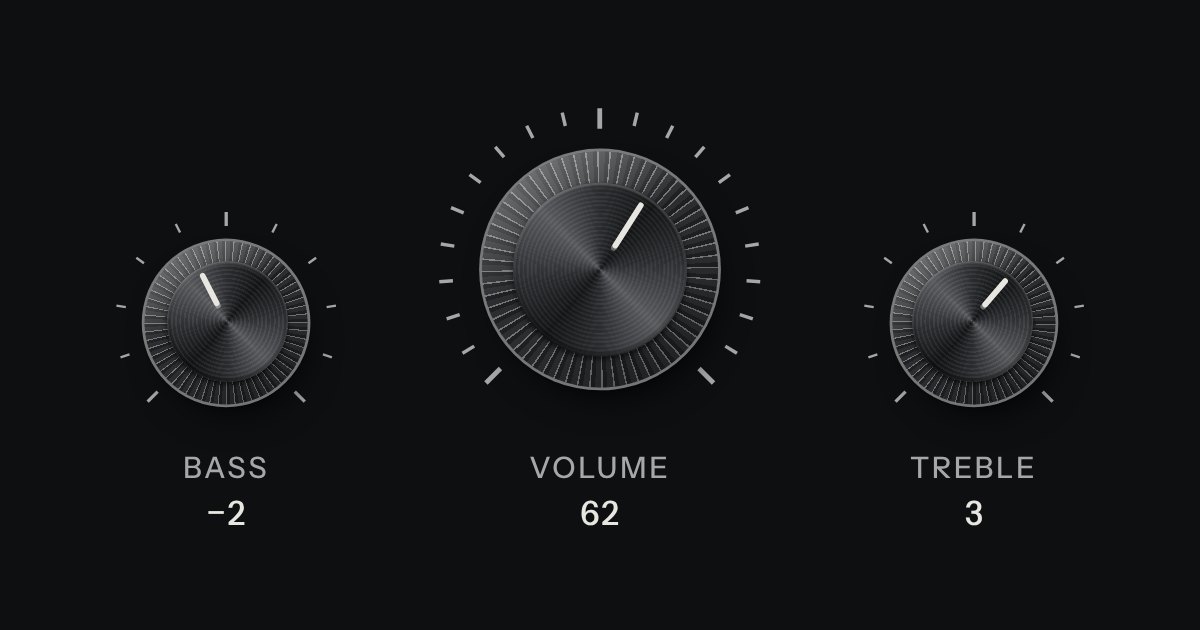
A rotary control for continuous or stepped values where space is square. Its knurl and pointer turn; its light does not.