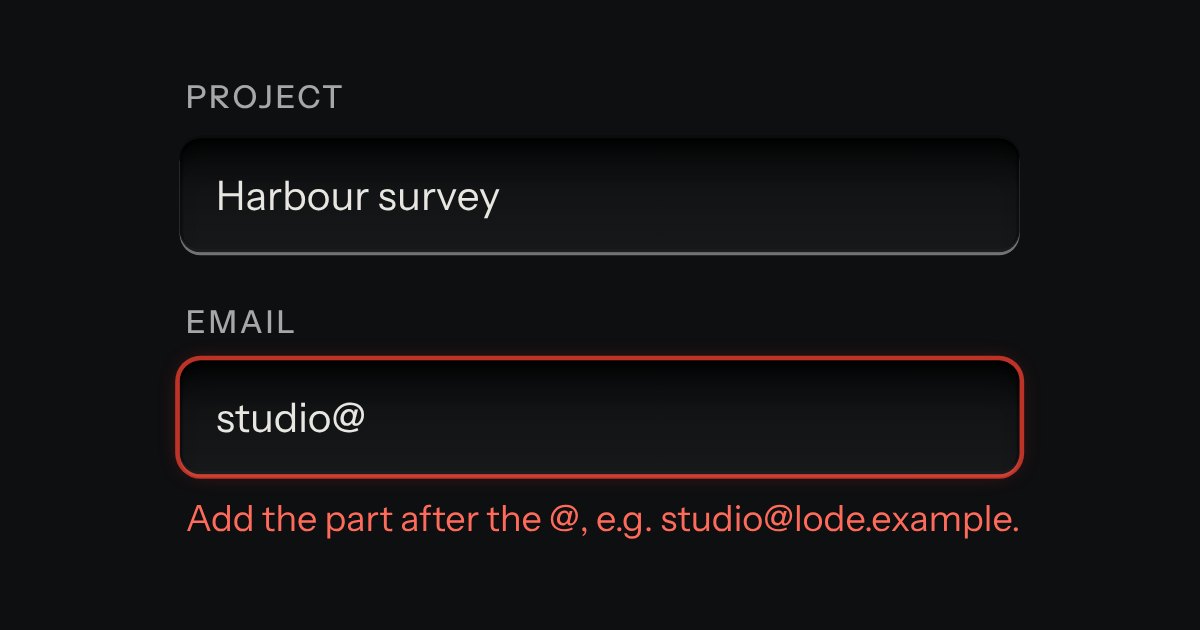
Field
Text entry in a recess, the label printed above it, and a hint that says how to fix an error.
Kit parts
An in-tray for files. A machined lip stands round a ribbed floor; the floor rises a little when a file is dragged over it, and a lamp on the lip lights. What goes in lands in the tray as a sheet of paper and is listed as printed rows, a refusal says why, and the key inside the tray is a real file input.
Seats open in 11 days. Want one email that morning?
The lip is a raised plate; the floor in it is the kit’s recess with ribs drawn across, each a dark line and a lit one, like the other grooves. Drag events fire for every child under the pointer, so entering and leaving are counted. What was just accepted lands as paper.
| Name | Kind | Description |
|---|---|---|
| disabled | attribute | Switches off the drop and the picker. |
| title | attribute | The line printed on the tray floor. The tray is named by it for a screen reader. |
| data-over | attribute | On the element while a file is dragged over it. Set it yourself to hold the state. |
| files | property | What is in the tray now. |
| add(files) | method | Offer files the way a drop does: the same checks, the same rows, the same event. |
| fileSize · parseSize · acceptLabel · dropAccepts · dropTake · dropHint · dropSays · dropZoneHTML · dropSheetsHTML | function | The rules, pure: sizes as words, an accept list as words, what a tray takes and refuses, what to say, and the markup for a page that renders on a server, the sheets included. |
| Enter · Space | keyboard | Opens the file picker. |
Drag files over the tray, or press Choose files. Add four samples: two land in the tray as sheets, two are turned away. Point at a sheet to lift it; its × takes it out.
Text entry in a recess, the label printed above it, and a hint that says how to fix an error.
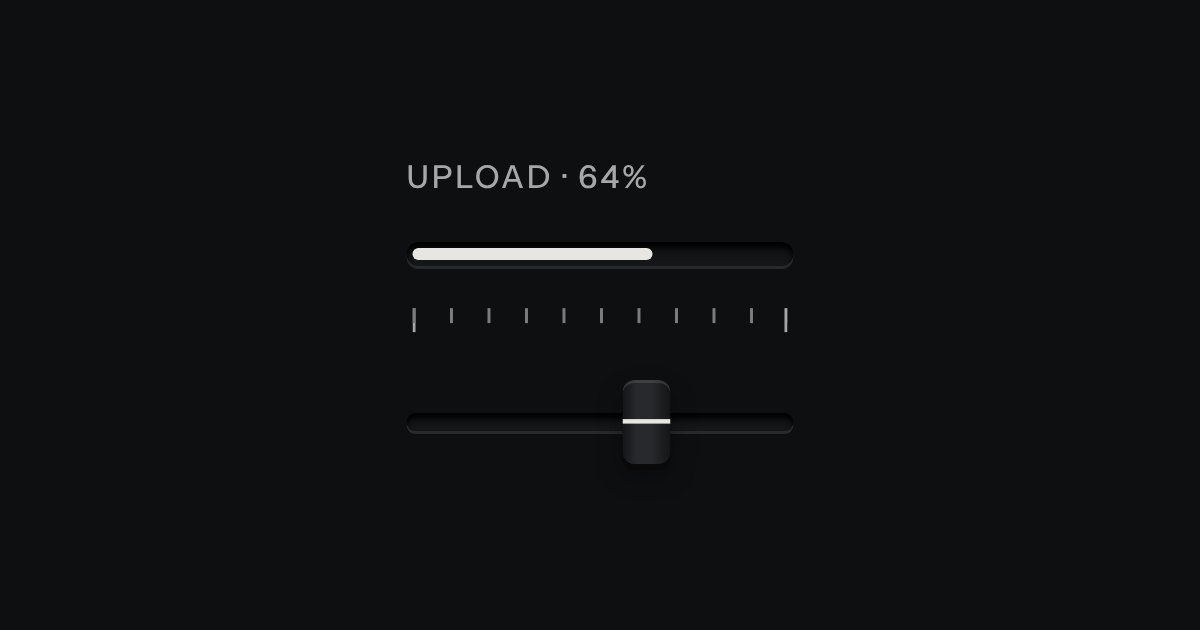
Progress through a task: ink filling a groove, never a coloured bar.
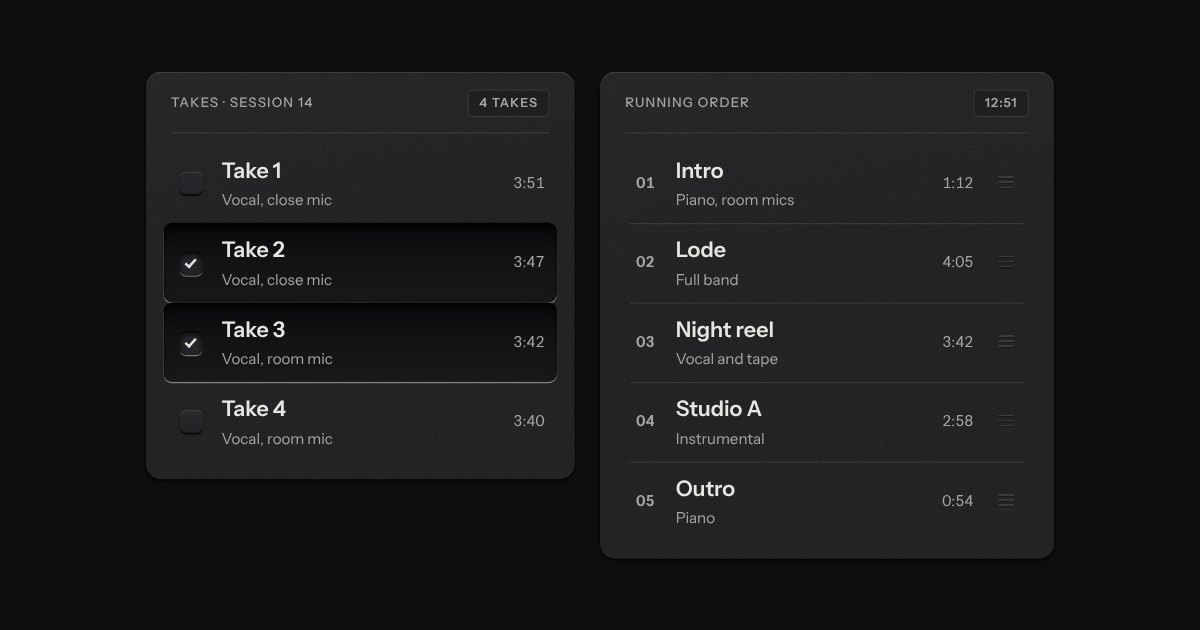
Rows in a rack: a mark, a title, a second line and a fact or a key at the end. Chosen rows sink into a recess with their check key latched; in a running order, a row lifts out of the rack on its skirt and slides past the others, from the keyboard or by its grip.