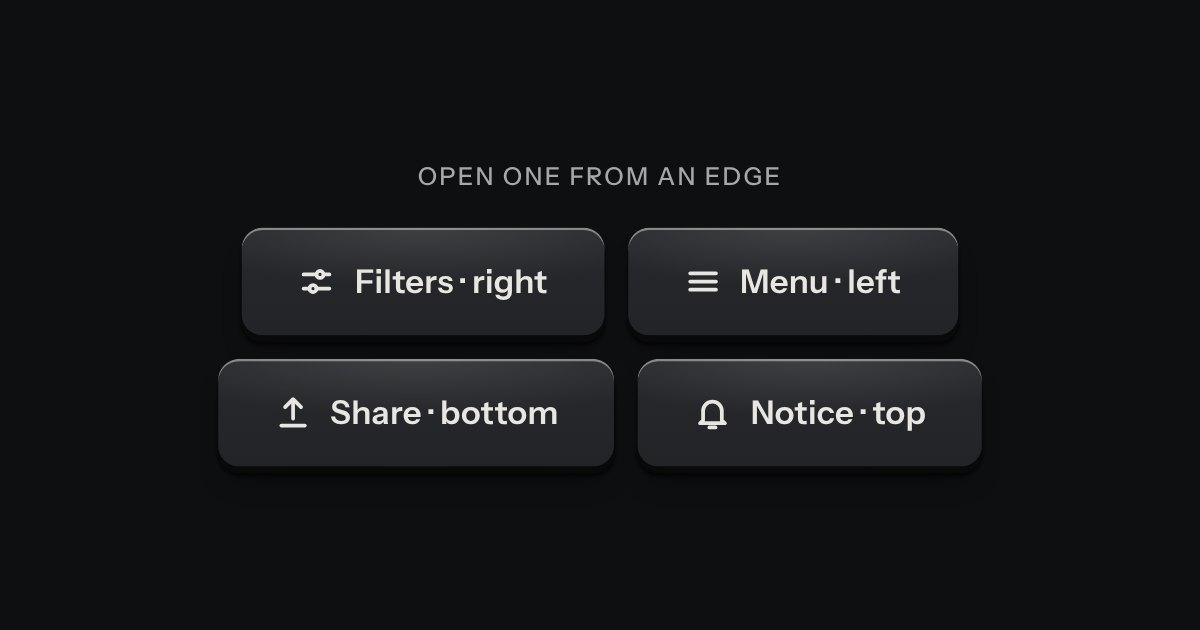
Drawer
A panel that slides in from any edge of the window, on the native dialog. A face plate bolted to the frame, with a machined grip let into its inner edge to pull it shut by.
Kit parts
A panel that rises from the bottom edge of the window, on the native dialog, for a short task that should not leave the page: add an expense, set some filters, pick an action. It stops at two heights, half and full. A grip in its top edge drags it, or steps it between the heights from the keyboard; dragged down from half it goes away. The key that saves stays in sight at half, and the content scrolls only when the sheet is full. On a phone it is the whole width; on a wide screen it is a card, centred, standing on the bottom edge.
Seats open in 11 days. Want one email that morning?
The drawer’s plate and scrim, turned to the bottom edge: one native dialog, always as tall as its full height, so nothing about its layout changes as it moves. Half is the dialog slid down by half its height with a transform, and the foot is pulled back up by the same distance so it stays on screen; both move together, on the same curve. A drag sets one custom property and the snap is a short pure function of where the sheet is, how fast it was going and which heights exist. The scrim is the dialog’s own backdrop, with no blur.
| Name | Kind | Description |
|---|---|---|
| data-open-at | attribute | The height it opens at. Half is the default. |
| data-detent | attribute | The height it is at now, set by the script. Read it, or set it before opening. |
| data-sheet-open · data-sheet-close | attribute | On any element: opens that sheet; closes the one it is in, with an optional returnValue. |
| data-lock | attribute | A click on the scrim no longer closes it. Escape still does; intercept cancel to stop that too. |
| openSheet(d, at) · closeSheet(d, value) · setSheetDetent(d, detent) | function | showModal() at a height, close(), and move to a height, said politely. Safe to call when already there. |
| sheetStep() · sheetToggle() · sheetSays() | function | Where a drag ends (half, full or closed), the height after an arrow key, the other height, and the words for a height. |
| sheetDetentY() · sheetClampOffset() · sheetVelocity() · bottomSheetHTML() | function | |
| Enter · Space | keyboard | Swap half and full. |
| Up · Page Up · Home | keyboard | Go to full height. Pressed at full height they stay there; they never close the sheet. |
| Down · Page Down · End | keyboard | Go to half height. They never close the sheet. |
| Escape | keyboard | Closes it; focus returns to the key that opened it. |
| Tab · Shift Tab | keyboard | Cycle inside it: the page behind is inert while it is open. |
Press Add expense: the sheet rises to half height and the focus lands on its title. Drag the grip up to full, or press the grip, or focus it and use Up and Down. Drag it down from half, press Escape, press the scrim or the close key to put it away. Filters opens full height, with content that scrolls; on a phone, drag from anywhere in the body.
A panel that slides in from any edge of the window, on the native dialog. A face plate bolted to the frame, with a machined grip let into its inner edge to pull it shut by.
A decision that must be made now: a native dialog with a question, one sentence of consequence, a way back and the act.
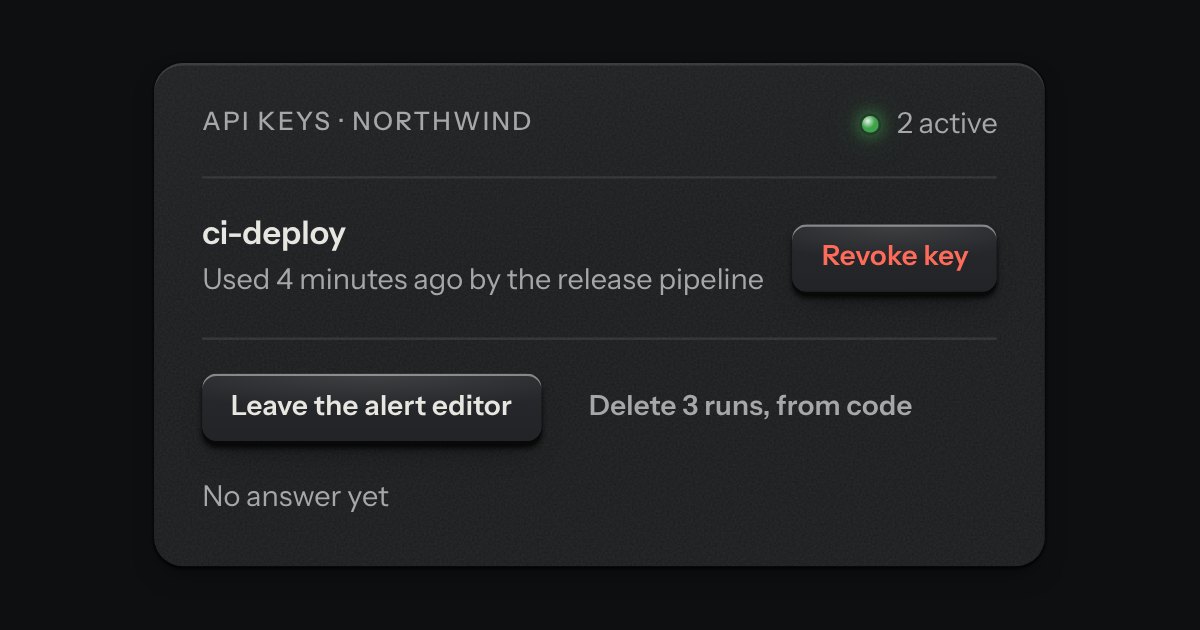
The dialog plate for a question that must be answered before an act that matters. A caution strip is set across its head with one lamp in it, red when the act cannot be undone and amber when it can. The question is the title, one sentence says what will happen, and a grave act can ask for its name to be typed first.
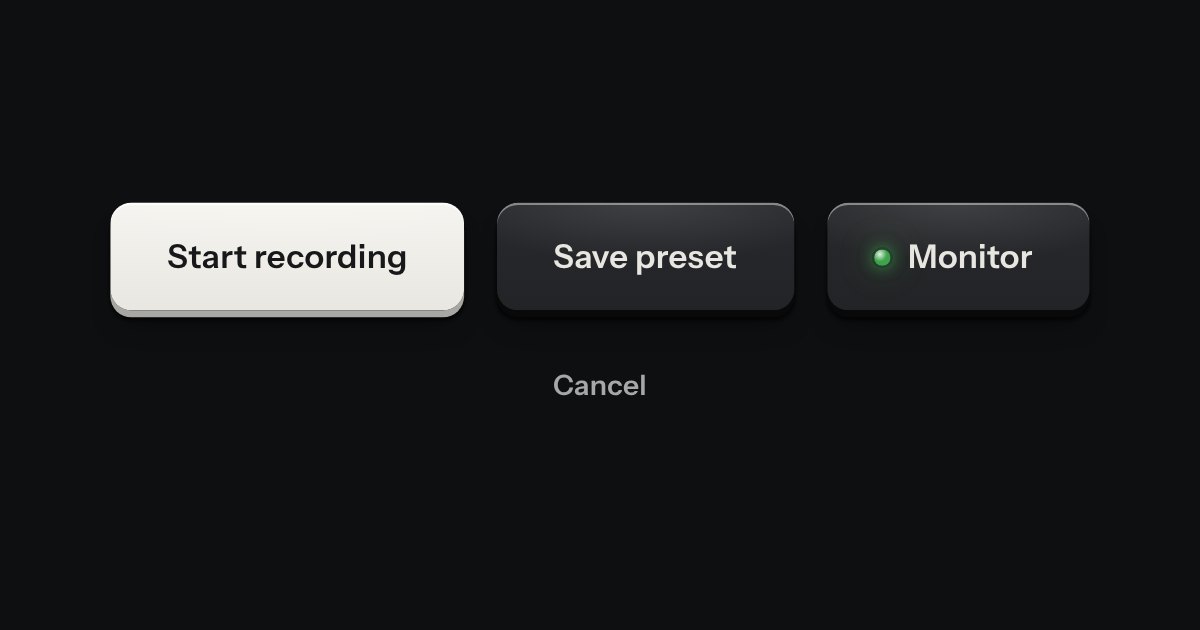
Every button, and every link that acts like one: a cap on a skirt that drops below the plate when pressed.