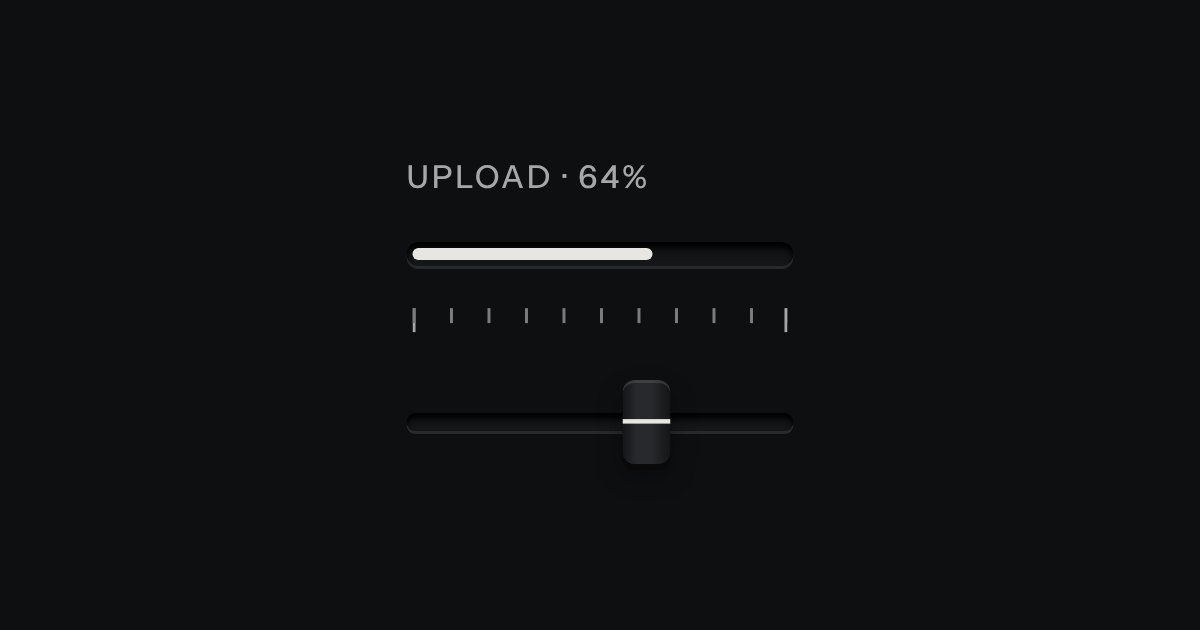
Progress
Progress through a task: ink filling a groove, never a coloured bar.
Kit parts
Setting something up: stations along a groove (done ones with their lamp lit, the current one a raised cap) and a checklist of check keys with a progress slot.
Seats open in 11 days. Want one email that morning?
The track is a grid of equal columns, so the stations space themselves. The done lamp and the raised cap are the kit’s lamp and key, drawn on the station. The checklist is the kit’s check keys and progress slot.
| Name | Kind | Description |
|---|---|---|
| data-onboarding-go · aria-controls | attribute | On any key: steps the track it names. |
| setOnboardingStep(ol, n) · updateOnboarding(section) | function | Move the track to step n (steps + 1 = all done); recount a checklist. |
| Space · Tab | keyboard | Tick a task with Space; the track is read, not operated: its keys step it. |
Step the track with Back and Next: ink runs along the groove and the lamps light behind you. Tick tasks off: the count, the slot and the next key follow.
Progress through a task: ink filling a groove, never a coloured bar.
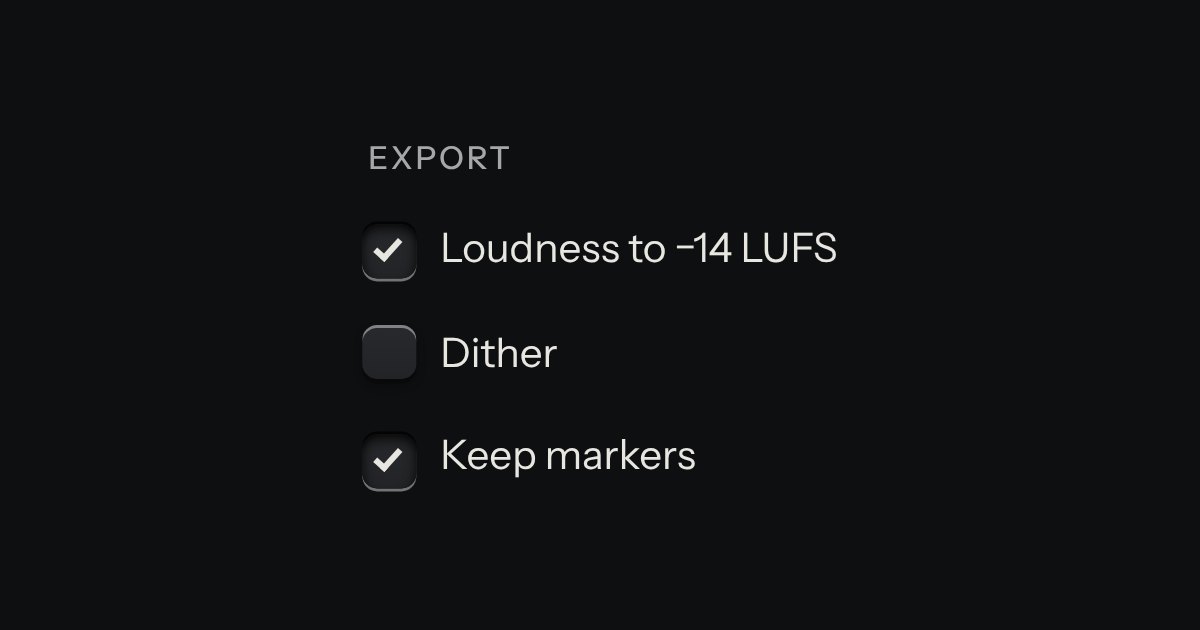
An option in a form: a small square key that presses below the plate when chosen, with a tick printed on it.
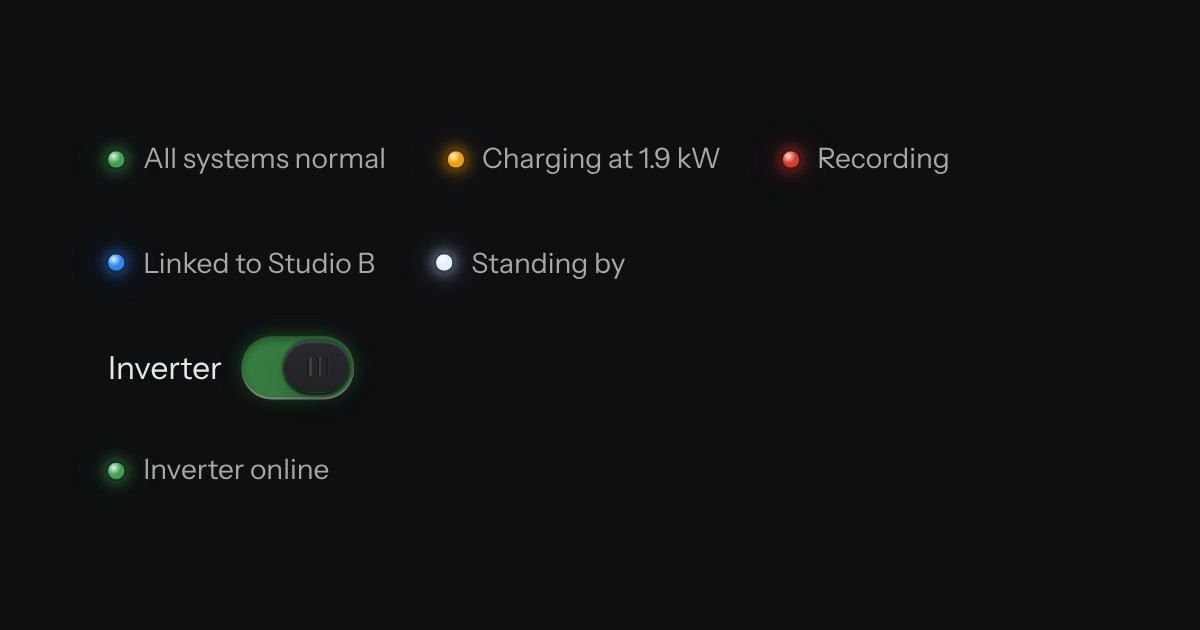
The only colour in the kit: a lamp that is on. Green is on, amber is waiting, red is recording or failing, blue is linked, white is standing by. Always next to words.