Kbd
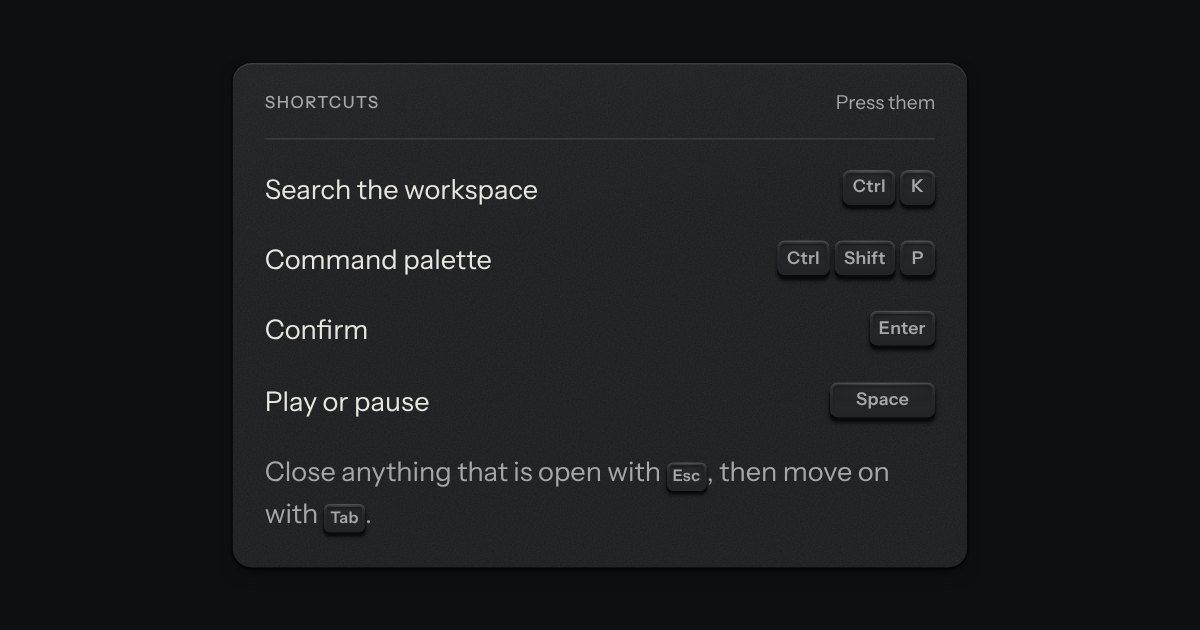
A kbd is the key to press, drawn as the key: a small cap on a skirt with a dish worked into its top. Shortcuts come as combos and follow the platform, so ⌘ K on a Mac is Ctrl K elsewhere.
Kit parts
It is one line in a well, the size of an input, and it shows the shortcut as the kit’s own key caps, printed for the platform. Press Enter or Space on it, or click it, to record: a small lamp lights and it reads “Press the keys”, and the keys you press go down into the well as caps, one after another. The chord is done on the first key that is not a modifier, so Ctrl and Shift on their own never end it. Escape cancels and puts the old shortcut back, Backspace or Delete clears it, Tab leaves without capturing, and Enter alone is never captured, so the key that starts a recording cannot become the shortcut. It posts the shortcut in the caps’ own spelling (“Mod+Shift+P”) under its name. Hand it the shortcuts that are taken and a clash rings the whole well red, says which action has it (“Already used by Open command palette”) and keeps the previous shortcut in the form.
It is made of the kit’s own parts, used as shipped: the key caps of the kbd part for the shortcut (so the platform, the symbols and the spoken names are kbd’s), the lamp, the field’s well and its red error ring. The script in between is a normaliser from a KeyboardEvent to kbd’s spelling (modifiers in one fixed order, letters and digits read from the physical key so Shift and Alt do not change them) and a small recorder: it lists the held modifiers as caps, and the first key that is not a modifier ends the chord. Only the new cap carries the drop, so the ones already down keep still. The field is form-associated: the value in a FormData is the stored shortcut.
| Name | Kind | Description |
|---|---|---|
| value | attribute, property | The stored shortcut (“Mod+Shift+P”: Mod is ⌘ on a Mac, Ctrl elsewhere). It is the default a reset goes back to. As a property it is always the stored one: a try that clashes is shown but never stored. |
| taken | property, attribute | The shortcuts already in use. The field’s own shortcut is never a clash. |
| placeholder | attribute | What an empty field says, in the muted ink. |
| error | attribute | An error of your own, for example from a server. It clears when a recording starts. |
| recording | property | True while the field listens for keys. |
| input · change | events | Both fire when a shortcut is set or cleared, not when a recording is cancelled or clashes. |
| shortcutFromEvent(event) | function | |
| shortcutKeys · sameShortcut · spokenShortcut | functions | The spelling (“Mod+Shift+P”), whether two shortcuts are the same keys, and the words a screen reader says (“Command Shift P”). |
Press the well, or Tab to it and press Enter: the lamp lights and it reads “Press the keys”. Hold Ctrl and Shift, then press R: the caps drop in and the chord ends on R. Escape puts the old shortcut back, Backspace clears it. On New run, press Ctrl+K: it is already used by Open command palette, the well turns red and the form keeps the old shortcut.
A kbd is the key to press, drawn as the key: a small cap on a skirt with a dish worked into its top. Shortcuts come as combos and follow the platform, so ⌘ K on a Mac is Ctrl K elsewhere.
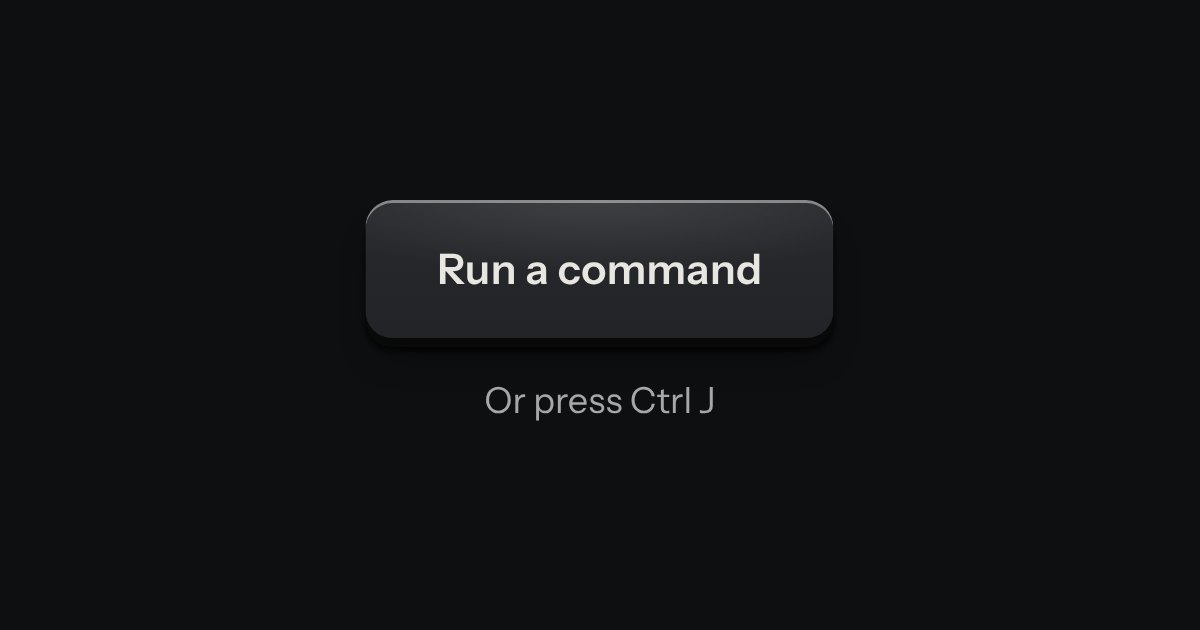
A command palette puts every action and page behind one key: a modal plate whose entry line is a lit display, with the results printed below and the chosen one pressed in.
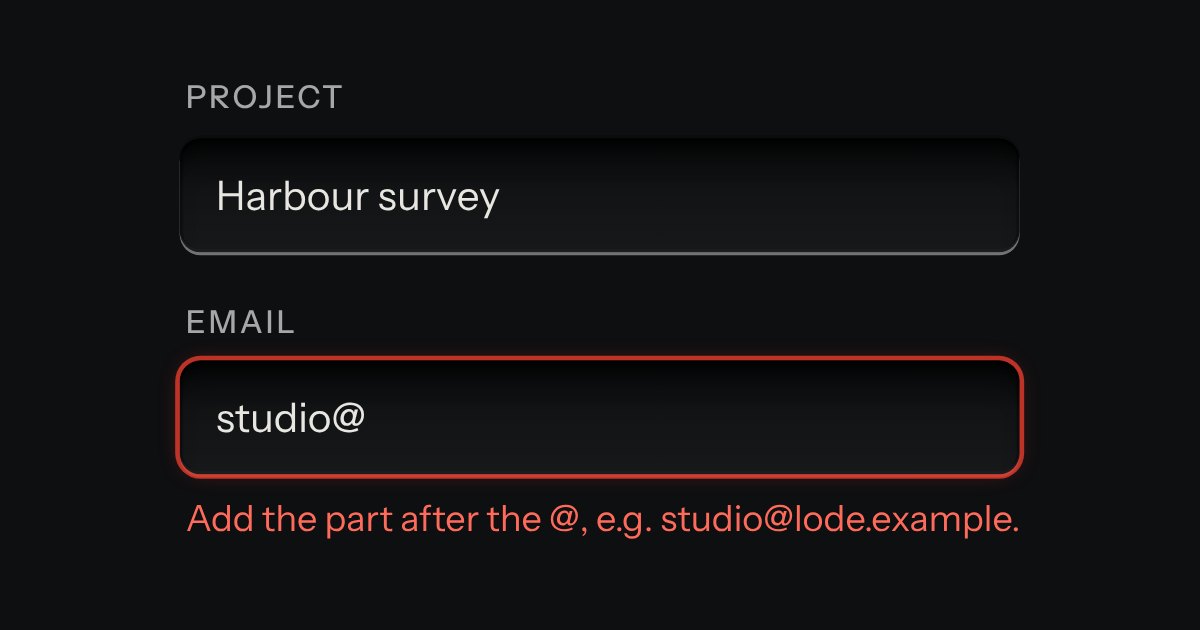
Text entry in a recess, the label printed above it, and a hint that says how to fix an error.