A query built as conditions, for a table of runs, logs or deploys. Each condition is a plate seated in a rail with a field, an operator and a value, and the value is the control the field’s type asks for: a text or number input, a date field, chips for up to five named choices, or a multi-select for more. All or Any sits above the rail, Add condition below it and Clear at the end of the Match row, and a tag with the condition count and a lamp that lights while anything filters stays readable when the builder is folded away. Take a plate out and it slides out along the rail while the others close up. The value is one plain JSON object, and a pure filterMatches() applies it to rows.
The rail is the kit’s recessed tray and each plate a raised face holding the kit’s own select, input, date field and chip group, so every finish and the volume follow with nothing coloured here. The script keeps the conditions as plain rows, redraws only the operator and value of the plate whose field changed, and sends the value out as JSON. Under reduced motion it is simply removed. The matcher is a table of small tests keyed by operator, so it needs no field list and runs on rows from anywhere.
Variants
Two conditions on
Any of three, with a date
Six options: a multi-select
Nothing yet
Folded: the tag stays
States
Nothing yet
Two on
Folded
Props and options
Name
Kind
Description
fields
attribute · property
The columns a condition can use.
value
attribute · property
The starting value, then the value as it stands. match is "all" or "any".
count
attribute · property
The result, in the page’s words. Shown on a small display and read in the status line after the condition count.
collapsed
attribute
Folds the rail away and leaves the tag and its lamp. The Hide / Show key toggles it.
add() · clear()
method
Add condition does what the key does and puts the focus on the new plate; clear() takes every plate out.
filterMatches(row, value)
function
Whether a plain object passes a value: every complete condition for All, any one for Any. A value with no complete condition passes every row.
filterComplete(condition)
function
Whether a condition says anything yet. One with an empty value filters nothing.
filterSay(n, count)
function
FILTER_OPS
constant
The operators of each field type: id and label. Text: contains, is, starts with, does not contain. Number: is, is not, is over, is at least, is under, is at most. Date: is, is before, is after. Enum: is any of, is none of.
enum fields
type
Up to five options are chips in the plate; more than five (FILTER_CHIPS_MAX) are chosen in a multi-select.
Usage notes
Change Duration to Started and the value becomes a date field; choose Status and it becomes chips. Press Add condition and the focus lands on the new plate’s field. Press Backspace in an empty value, or the cross on a plate, and it slides out while the rest close up. Choose Any, and a run needs to meet only one condition. Hide leaves the tag.
Accessibility
Keyboard: Tab moves through the Hide key, All and Any (arrow keys choose), then each plate’s field, operator, value and remove key, then Add condition and Clear. Backspace in an empty value takes that plate out and puts the focus on the plate above; Add condition puts it on the new plate’s field. A date segment takes its digits, arrow keys, Backspace and Delete; chips take arrow keys, Home and End, Space and Enter.
Each plate is a group named “Condition 2”, and its controls are named by it: “Field, condition 2”, “Operator, condition 2”, “Value, condition 2”, “Remove condition 2”. The names renumber when a plate is taken out.
The display with the result is hidden from a reader so it is not said twice.
The tag says the count in words and the lamp says whether anything filters, so neither colour nor the lamp alone carries it. It stays visible when the rail is folded, and the key that folds it says whether it is expanded.
The fields are the kit’s own native selects and inputs, so a phone gives its own pickers.
With reduced motion a plate that is taken out goes at once; nothing slides.
A plate of filters over a table or a list: checkboxes, a range, dates and a segmented choice, each group in a section that folds away, the filters that are on set out as chips with a remove key and Clear all, the number of matches in a readout, and Apply where there is room.
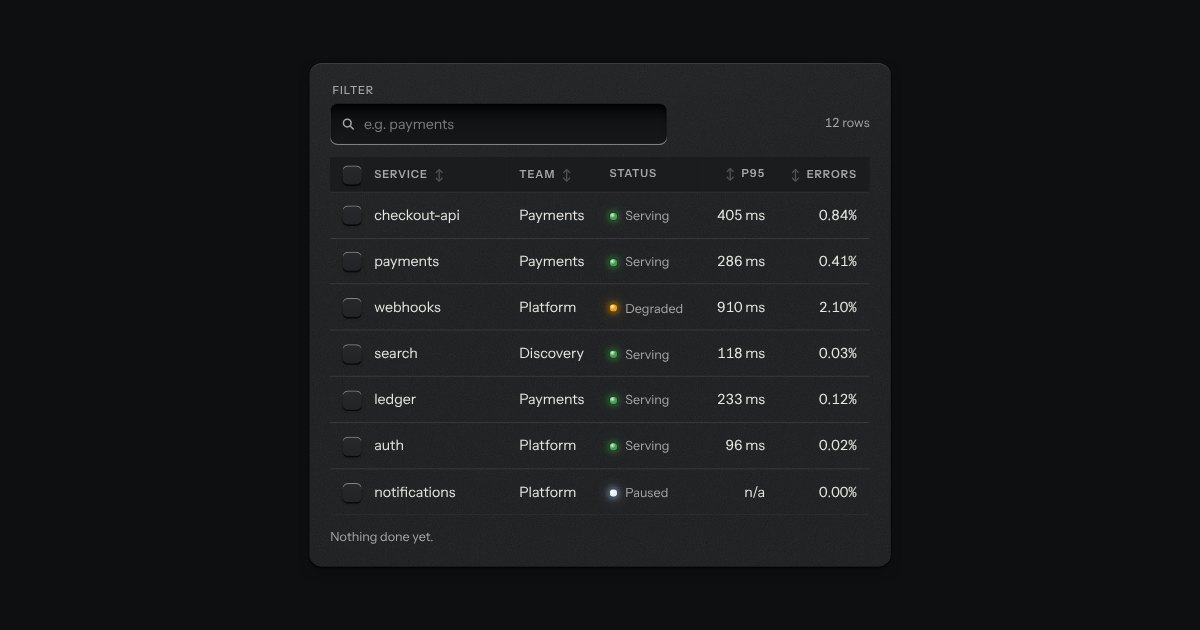
The kit’s table with the tools a working one needs: headers that sort, a filter well, a check key on every row with one in the header that selects them all and sinks half way when only some are chosen, and a header that stays at the top while the rows scroll under it. While rows are chosen a plate slides out of a slot under the tools, its lamp lit, carrying what can be done to them. Without the script it is the plain table.
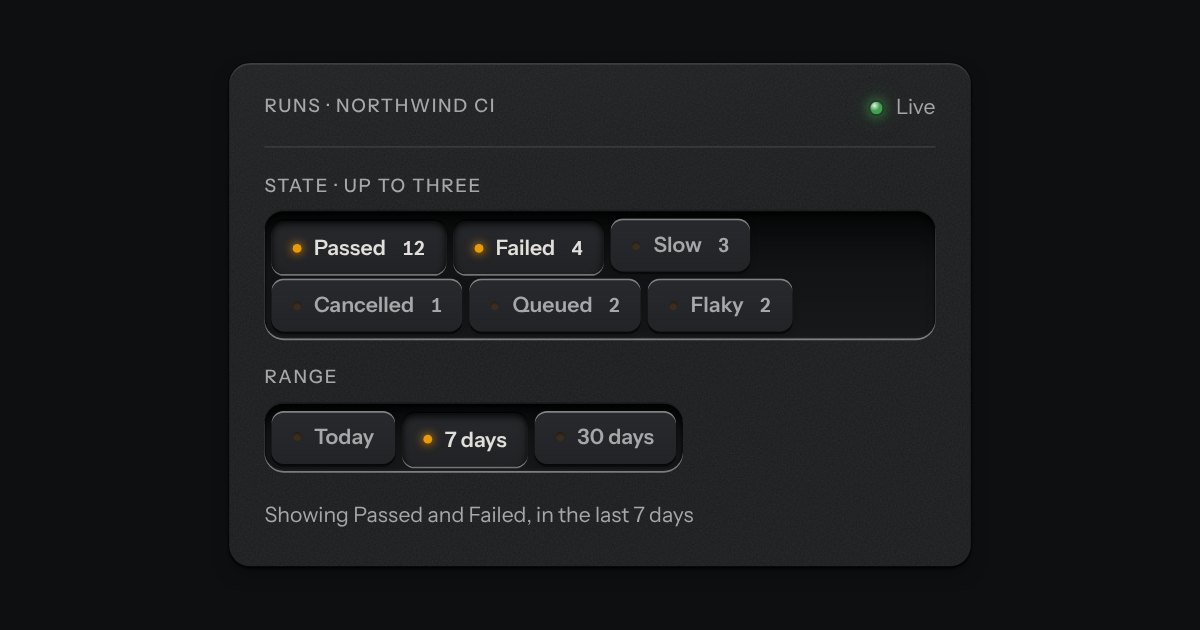
Small plates you press on and off, laid in a tray that wraps: the filters over a table, the topics on a form, the sizes on a product. Each chip is a native checkbox, or a radio when only one may be down, drawn as a small cap that sinks below the tray with its lamp lit. A limit may be set on how many go down at once.
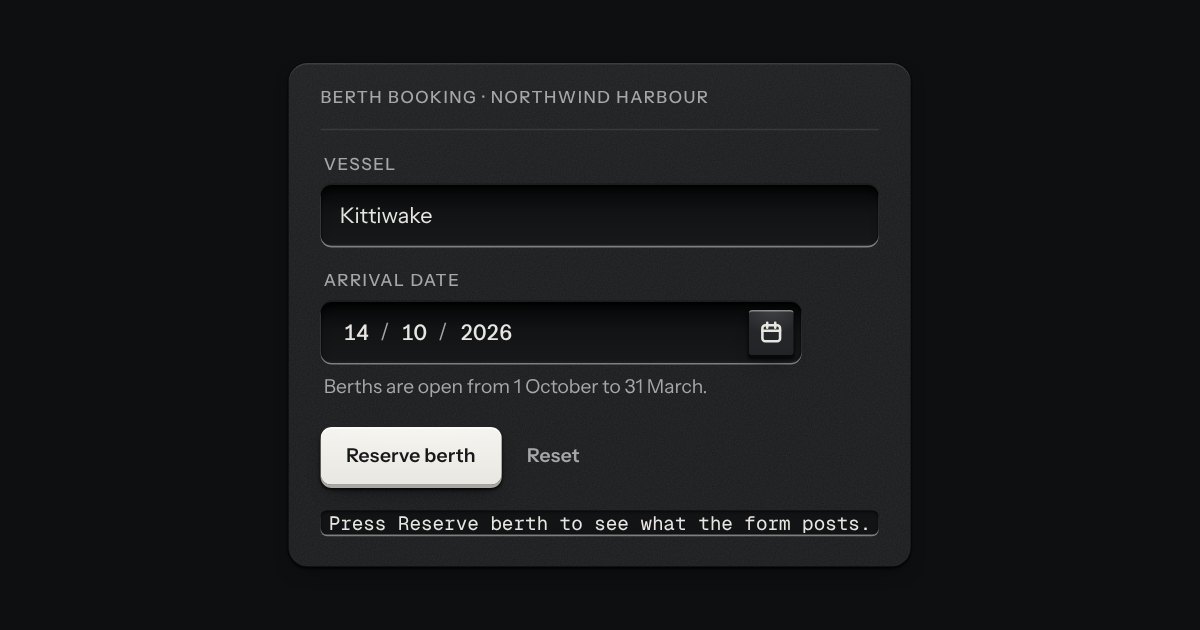
A date typed in three segments, day, month and year, in the field’s own well. Each segment is a small number you can step with the arrow keys or type over, and typing moves you on by itself once a number is complete. The order and the separator are the reader’s. A calendar key at the right of the well opens the kit’s calendar for anyone who would rather point. The form gets an ISO date, yyyy-mm-dd, or nothing while the date is not complete, and a wrong date says what is wrong in a sentence: February has 28 days in 2026.
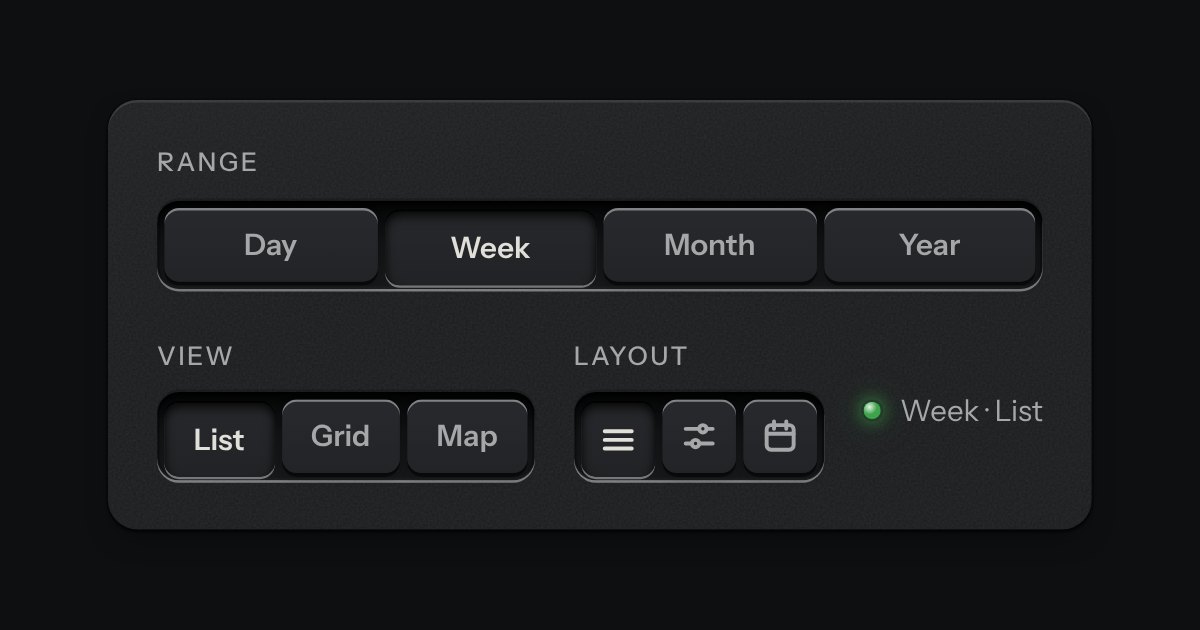
A row of keys in a tray with one pressed down: pick a view, a range or a mode and it applies at once. It is the kit’s selector without the lamps, with sizes, a full-width row and icon segments.